Last fact-checked: August 24, 2026. Services, prices and eligibility can change; verify live provider information before acting.
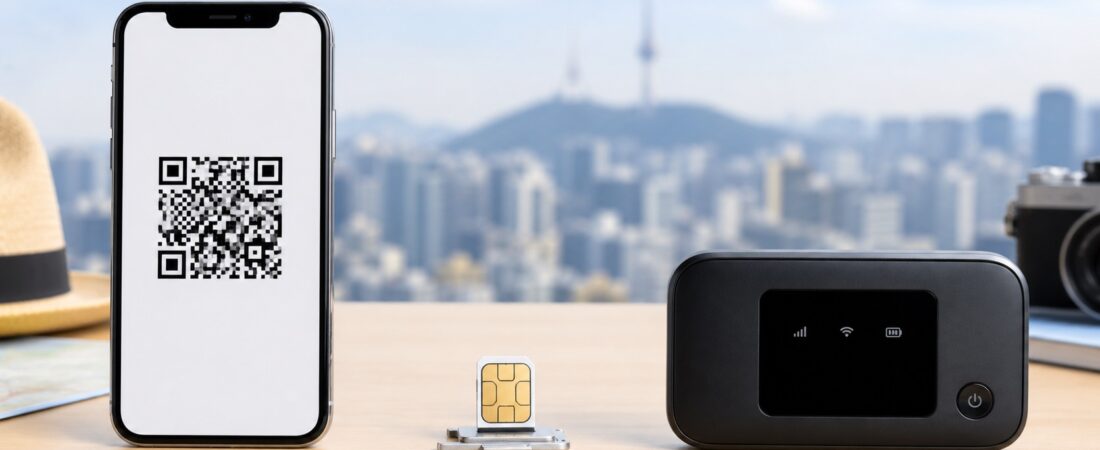
Choose an eSIM for the fastest solo setup, a physical SIM when your phone lacks eSIM support or you want counter assistance, and pocket Wi-Fi when several devices will stay together. Before paying, verify that your phone is carrier-unlocked, supports the required network and can keep your home SIM active if you need banking texts.
Do not assume every travel product provides normal Korean calling, SMS or online identity verification. Data-only plans may display a number in settings but still cannot receive the services a resident phone contract can.
| Option | Best for | Main drawback |
|---|---|---|
| eSIM | Solo travelers with compatible unlocked phones | Installation mistakes can be hard to reverse |
| Physical SIM | Counter help and broad handset compatibility | You must swap or manage SIMs |
| Pocket Wi-Fi | Groups and several devices | Battery, pickup/return and staying together |
eSIM: quickest for most solo visitors
Buy from a reputable carrier or provider, install while connected to Wi-Fi, and do not delete the profile after installation. Set the Korea line for cellular data and disable data roaming on your home line unless your plan includes it.
- Confirm device compatibility and carrier unlock status.
- Save the QR and setup instructions on another device.
- Check whether the plan is data-only or includes voice and SMS.
- Understand when the validity period starts.
Physical SIM: useful when you want help
Airport and city counters can install and test a SIM, which reduces setup risk. Keep your home SIM in a safe case. Dual-SIM phones may let you retain the home line for incoming texts while using Korean data.
Pocket Wi-Fi: shareable but less flexible
One router can connect several phones and laptops, but everyone loses service when the group separates. Add the charger to your day bag, watch the battery level, and understand late-return or damage fees before leaving the counter.
The decision checklist
- Solo and eSIM-compatible: start with eSIM.
- Older or locked phone: physical SIM may be the only workable option.
- Family that stays together: compare pocket Wi-Fi with several eSIMs.
- Need a resident-verified number: read the resident phone guide rather than buying a tourist data product.
Current carrier example
LG U+’s official tourist eSIM page distinguishes data-only from data-plus-voice products, requires an unlocked eSIM-compatible phone, explains activation timing and warns that a deleted eSIM cannot simply be restored. Product prices and conditions change, so check the live page before purchase.
Save this checklist
- Confirm that the phone is unlocked.
- Check eSIM and frequency compatibility.
- Separate data, voice, SMS and verification needs.
- Save setup and support details offline.
Quick questions
Can I install an eSIM before flying?
Often yes, but installation and service activation may be different events. Follow the provider’s exact instructions so the validity period does not start too early, and do not delete the profile after installation.
Can I keep receiving texts on my home number?
A dual-SIM phone may keep the home line active while Korean data uses the travel line. Disable unwanted data roaming and check what your home carrier charges for incoming calls or texts abroad.
Is pocket Wi-Fi always cheaper for a family?
Not necessarily. Compare total rental days, insurance, pickup and return, battery needs and the cost of being disconnected when the group separates. Several eSIMs may be worth the flexibility.